

Rollover Events
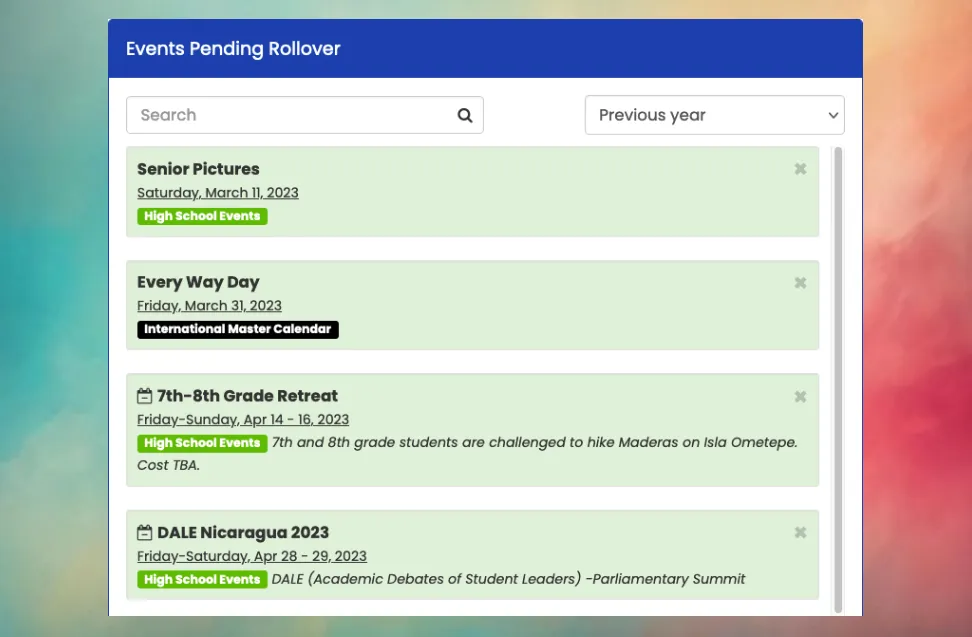
Mosaic’s powerful Rollover tool allows you to quickly and easily copy many events from one school year to the next, selecting the new calendar dates for each event in the new school year.
Opening the Rollover Tool
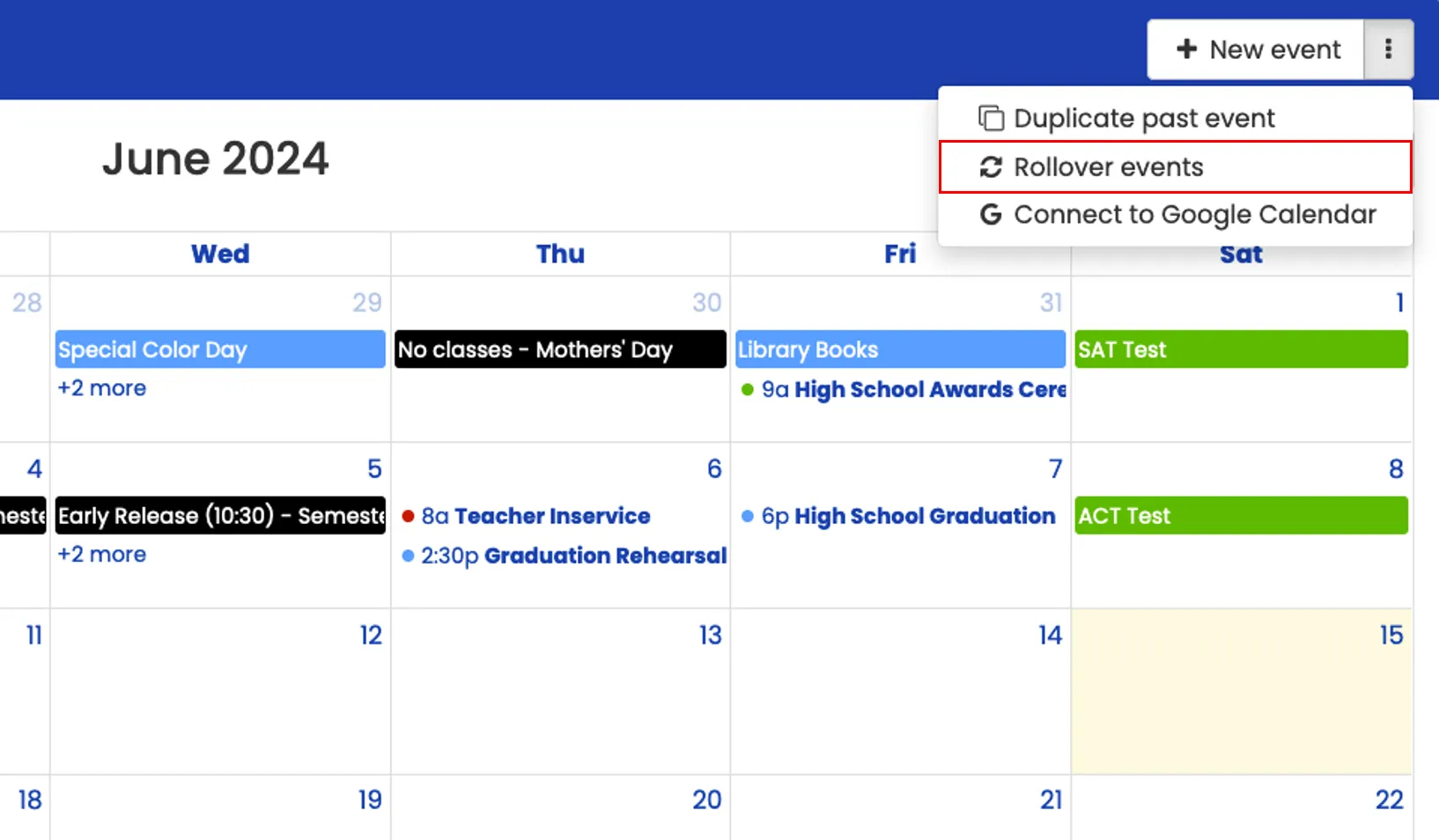
Section titled “Opening the Rollover Tool”To get started, click the ⋮ dropdown menu next to New event and select Rollover events. A side panel will open with a list of events from the previous school year.
Drag Events to New Dates
Section titled “Drag Events to New Dates”For each event from the previous school year that you would like to duplicate, drag the event from the side panel onto the new calendar date, then click Proceed or press Enter to confirm. Once the new event is created, it will disappear from the list of events pending rollover.
Clearing Events
Section titled “Clearing Events”To permanently remove events from the list of events pending rollover, click the X in the corner of the event box, then click Proceed or press Enter to confirm. Use this to clear out events that do not need to be duplicated, which helps you see which past events are still on the list.
Additional Options
Section titled “Additional Options”You can easily search the list of past events by typing part of the event title in the search box. You can also switch between events from the Previous year or All events pending rollover. The list of all events pending rollover includes events from former school years that were never duplicated or cleared. This feature is useful for events that are repeated every 2-3 years but not every year.
What do the green and red colored boxes mean?
Usually, events in the list of events pending rollover are green, which means they are a past event from a past school year. However, at times you may see event boxes that are colored red. The red events are for future events, relative to the current date. You might see these, for instance, if you are already setting up next year’s school calendar even before the current school year has finished. Aside from the color difference to indicate a future event, all functionality is the same for red and green events when rolling them over.